100% freeNo loginHD quality
Instagram Audio Downloader – Reels to MP3
Convert any Instagram Reel or video to MP3, or paste an audio link to download the sound.
Free Instagram Audio Downloader for Reels and Videos
ReelsDl.net is a free Instagram audio downloader and Reel to MP3 converter. Paste the link of a public Reel or video and the tool converts the video into an MP3 audio file, or paste an Instagram audio link to download that sound as an MP3. No Instagram login. Private posts cannot be converted.
It is an easy way to convert Instagram video to MP3 and save Reels audio online, on an iPhone, Android phone, tablet, or computer, with nothing to install.
Instagram Reels are short videos made with audio, AR effects, and more. When you only want the song, music, or voice from one, download the Instagram Reels music here. To save the video itself, use the Instagram Reels Downloader.
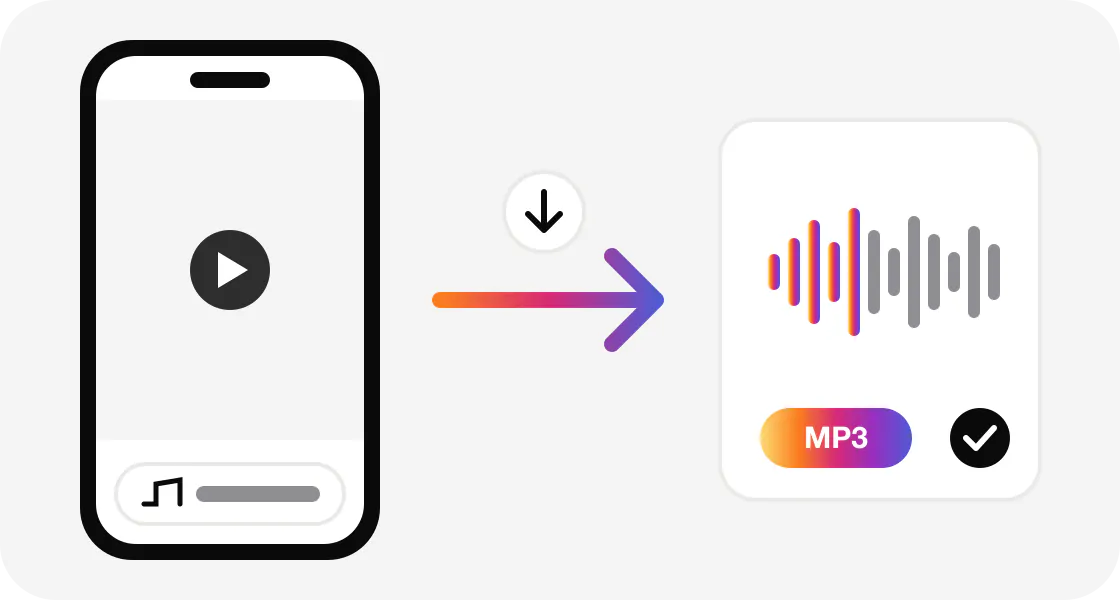
How to download Instagram Reel audio as MP3
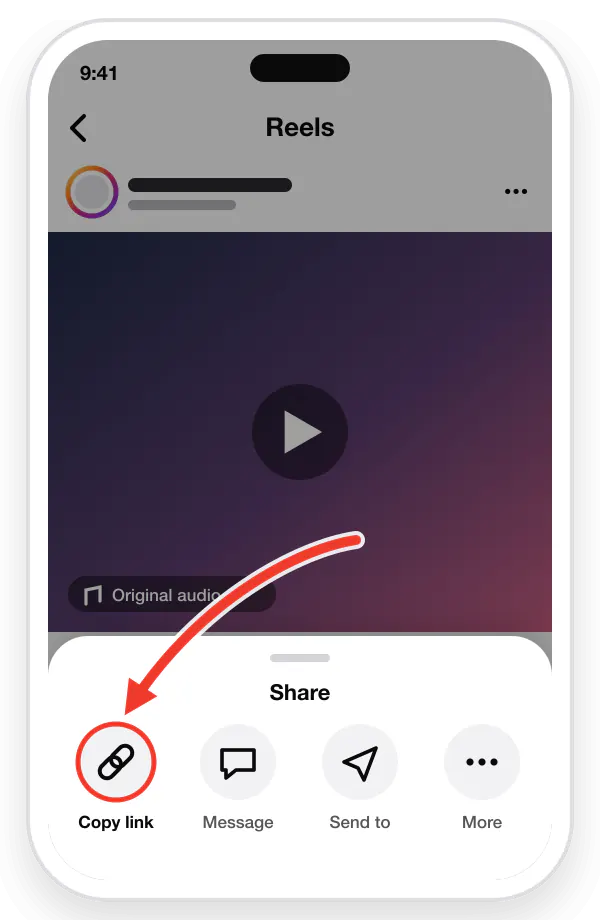
Copy the Reel or video link
In Instagram, tap the three dots (⋮) on the Reel or video, then tap "Copy Link".
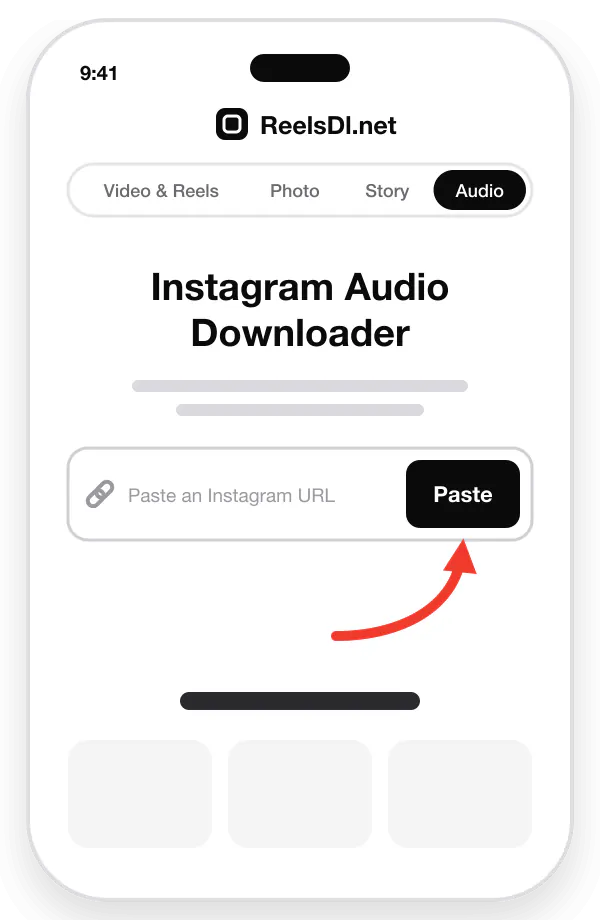
Paste the link
Paste the copied link into the box above, or tap the Paste icon.
Then press Enter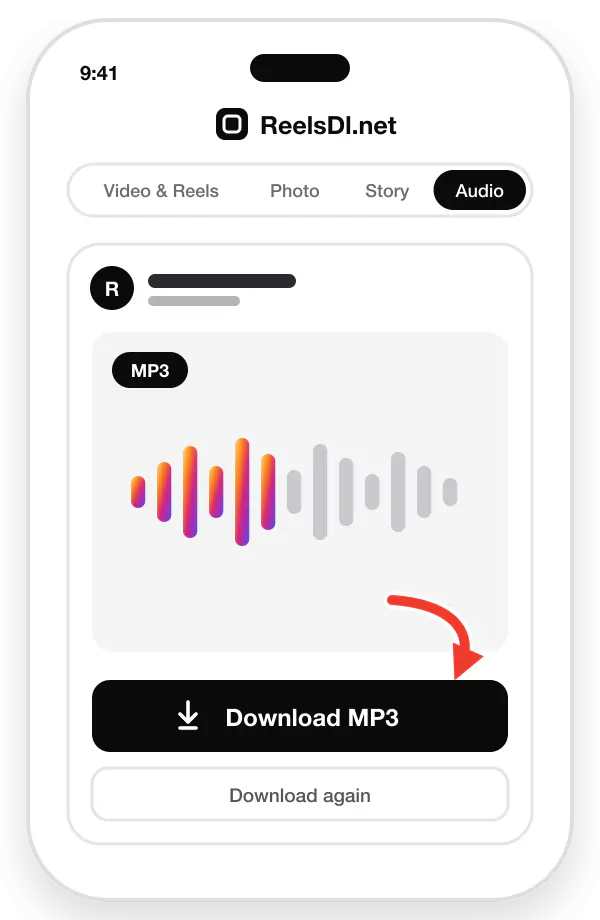
Download the audio
Wait a few seconds for the conversion, then click "Download Audio" to save the Reel audio as MP3.
Convert Instagram Reel Video to MP3
The audio downloader works two ways. Paste a Reel or video link and it works as a Reel video to MP3 converter: ReelsDl.net takes the video, pulls out its soundtrack, and gives you an MP3 file. Paste an Instagram audio link and it downloads that sound directly as an MP3.
Either way you keep everything you hear: the song, the voice-over, or the creator's own sound. It runs on our server in a few seconds, so there is no app to install and nothing to edit on your phone.
| Reel link | Links with /reel/ or /reels/. The Reel video is converted to MP3. |
|---|---|
| Video post link | Links with /p/. The soundtrack of the video is converted to MP3. |
| Audio page link | Links with /reels/audio/. The original sound is downloaded as MP3. |
If a video was posted without sound, there is no soundtrack to convert. Check that the Reel plays with sound on Instagram first.
How to copy an Instagram audio link
Besides the Reel link, you can paste the link of the sound itself. Every Reel has an audio page of its own, and copying that link takes a few taps in the Instagram app:
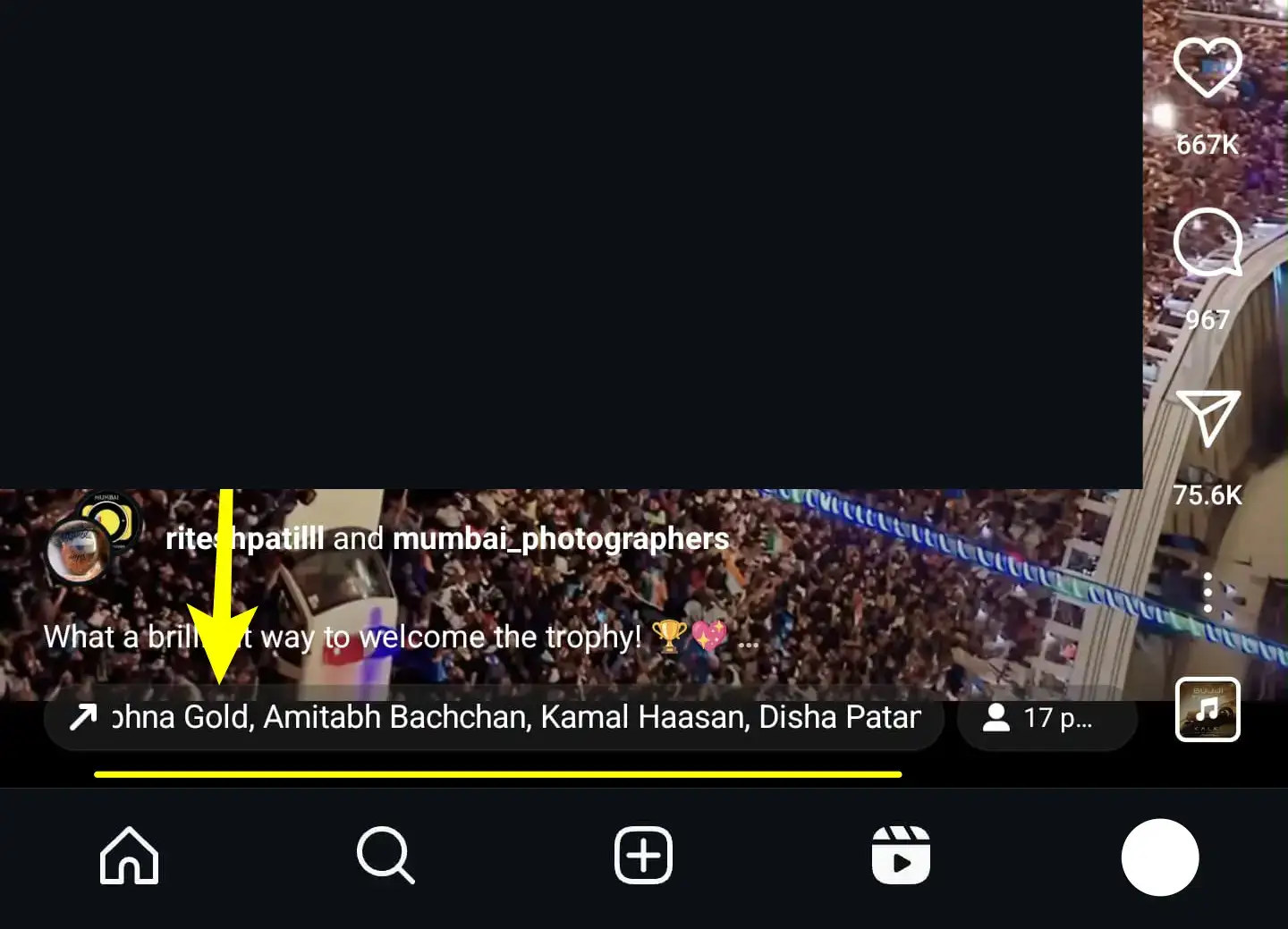
Open the Instagram app and find the Reel whose audio you want. Tap the song or audio name in the bottom left corner.
Tap the three dots (...) menu. On iPhone it sits below the username of the person who posted the Reel; on Android it is in the top right corner.
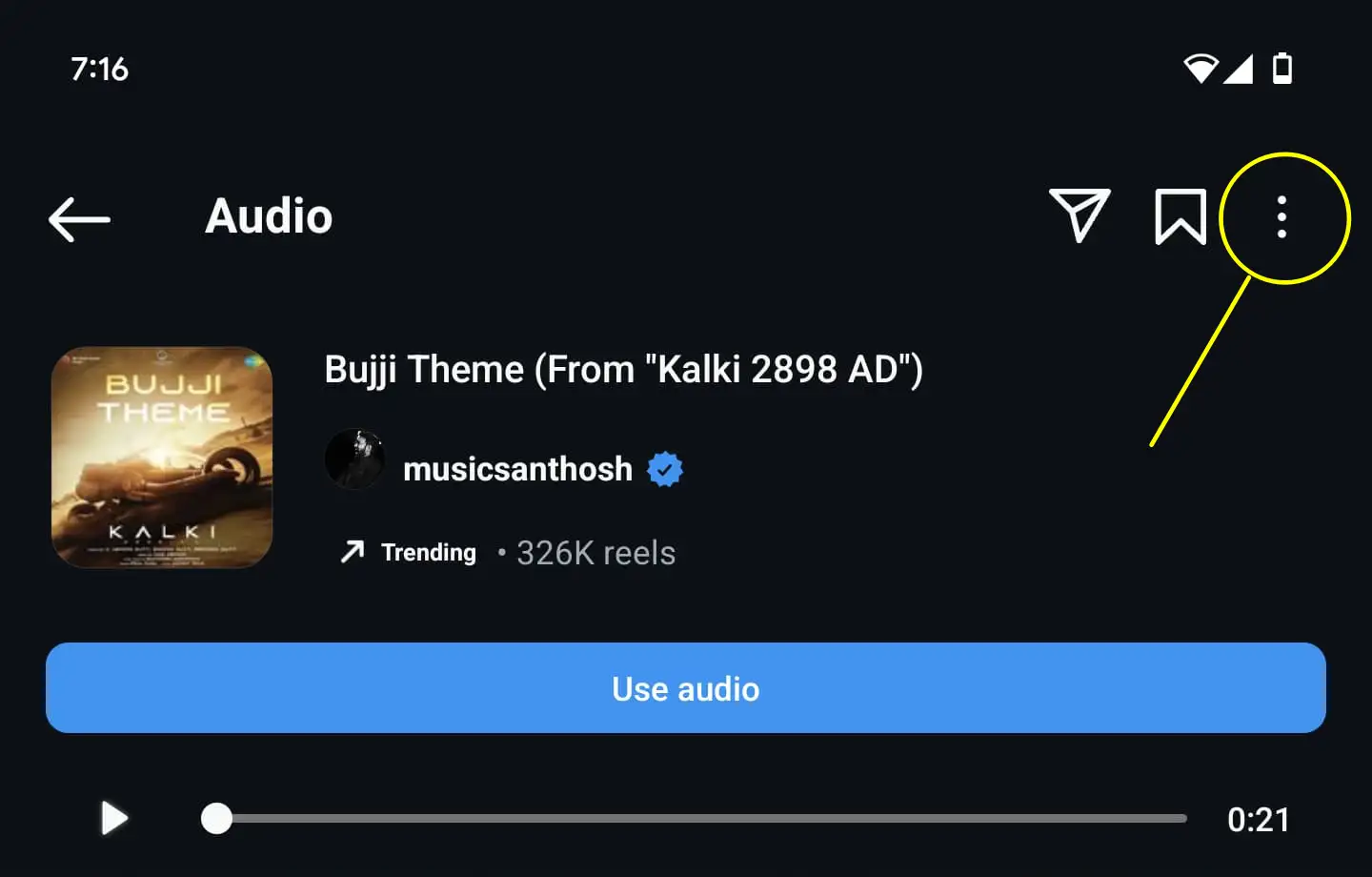
In the pop-up menu, choose Copy Link (or Share Link, depending on the option shown). The audio link is now on your clipboard.
Paste the link into the box at the top of this page and press Enter.
After a few seconds, click the Download MP3 button. The file is saved to your Downloads folder.
Important note: You cannot copy the link to Reels from private accounts. If the Reel is from a private account, the "Copy Link" option is not available.
Instagram Music Downloader: Save Reel Songs as MP3
Heard a song on a Reel that you want to keep? The Instagram music downloader turns the video's sound into an MP3 you can download on your phone, tablet, or PC.
Once you have the MP3, you can add it to your own Reels, use it in edits, or set it as a ringtone or alarm. If you want the video with its music instead, see how to save Reels in your gallery with music.
- Reel to MP3. Convert Reels and video posts into audio.
- Audio links. Download a sound straight from its audio page.
- Songs, music, voice. Keep the full soundtrack of the clip.
- Any device. iPhone, Android, PC, and Mac.
- No login. Public Reels and videos only.
- Free. No sign-up and no download limit.
Before you download anything, make sure it is okay to use. If it is a song and you are not sure, find some royalty-free music or ask the creator for permission.
From the blog
Instagram download guides
How to Download Instagram Stories Anonymously
Stories disappear after 24 hours and Instagram only lets you save your own. This is how to keep a public Story or a whole Highlight, without appearing in the viewer list.
Read guide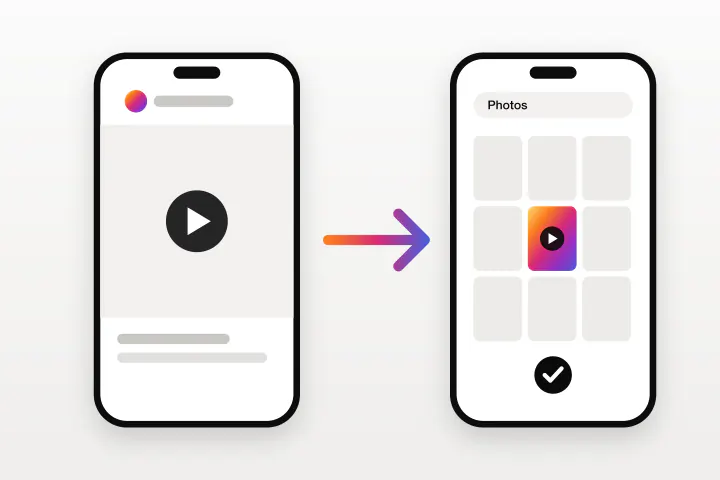
How to Download Instagram Videos on iPhone
Instagram only lets you download some Reels, with a watermark on top. This is how to save any public Instagram video straight to the iPhone camera roll using Safari.
Read guide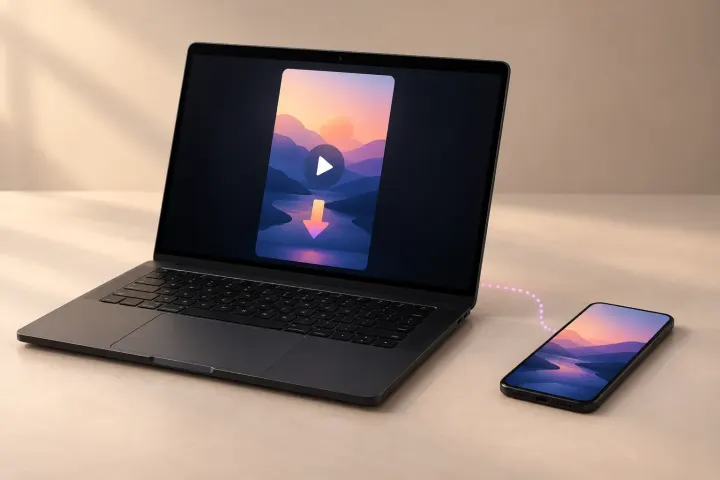
How to Download Instagram Reels on a Laptop, PC, or Mac
Instagram's website has no Download button at all. This is how to save a Reel, with its music, on Windows, Mac, or a Chromebook using nothing but a browser.
Read guide
How to Download Instagram Reels Without a Watermark
Instagram stamps its logo and the creator's username on every Reel you save in the app. These are the ways to get a clean copy, and what each one costs you in quality.
Read guide
How to Extract Audio From an Instagram Reel as MP3
Instagram lets you save a Reel's audio inside the app, but never as a file. This is how to pull the sound out as an MP3 and use it as a ringtone or alarm.
Read guide
Instagram Reels Not Saving to Your Camera Roll? 9 Fixes
The Download option is missing, the Reel saves with no sound, or the file never reaches your gallery. Nine causes, each with the fix that actually works.
Read guide
Frequently asked questions
Can I convert an Instagram Reel or video into audio?
Yes. You can download Instagram Reels audio only, as an MP3. It is useful when you want the background song, music, or voice.
Enter the Reel or video link in the input box of the Instagram audio downloader and the tool gets the MP3 file for you.
How do I download the MP3 file?
Paste the Reel URL, then click the "Download Audio" button. The Reel audio MP3 file is saved to your Downloads folder.
The tool works on iPhone, Android, PC, and Mac. To save the video instead, use the Reels Downloader.
Can I paste a Reel video link or an audio link?
Both work. Paste the link of a public Reel or video post and the tool converts the video to an MP3 audio file.
Paste an Instagram audio link (/reels/audio/) and it downloads that sound as an MP3.
What quality is the Instagram MP3?
The MP3 is made from the audio track Instagram serves with the Reel, so it sounds the same as it does in the app. Instagram compresses audio on upload, so no tool can give you a studio-quality copy of the song.
Where is the MP3 saved on iPhone and Android?
On iPhone, Safari saves the MP3 in the Files app under Downloads. On Android, it goes to the Download folder, where music players such as VLC or Samsung Music can find it. On a computer, it is in your browser's Downloads folder.
Can I use Instagram Reel audio as a ringtone?
Yes. Download the Reel audio as an MP3, then add it as a ringtone in your phone settings. On iPhone the clip must be shorter than 30 seconds. The full steps are in how to extract audio from an Instagram Reel.
Is there a limit on Instagram audio downloads?
No. There is no daily limit. You can convert as many public Reels and videos to MP3 as you want, for free.
Can I install the Reels audio downloader as an app?
Yes. You can install ReelsDl.net as a web app on Android and iOS and open the audio MP3 downloader directly.
To install the ReelsDl.net app: use the Install button when your browser offers it, or choose Add to Home Screen from the browser menu.