100% freeNo loginNo watermark
Instagram Reels Downloader
Download Instagram Reels in HD with sound and no watermark. Paste a Reel link. Works as an Instagram video downloader too.
Free Reels Downloader for Instagram
ReelsDl.net is a free Instagram Reels downloader. Paste a public Reel link to download Instagram Reels as MP4 with their music. The same Reels downloader is also an Instagram video downloader for video posts, and saves photos and carousels as JPG, Stories before they expire, or Reel audio as MP3. No login is required. Private posts cannot be downloaded.
Instagram has no download button for other people's posts, and screen recording loses quality and sound. ReelsDl.net saves the original file Instagram stores, in HD, with its audio, on a phone or computer, with nothing to install.
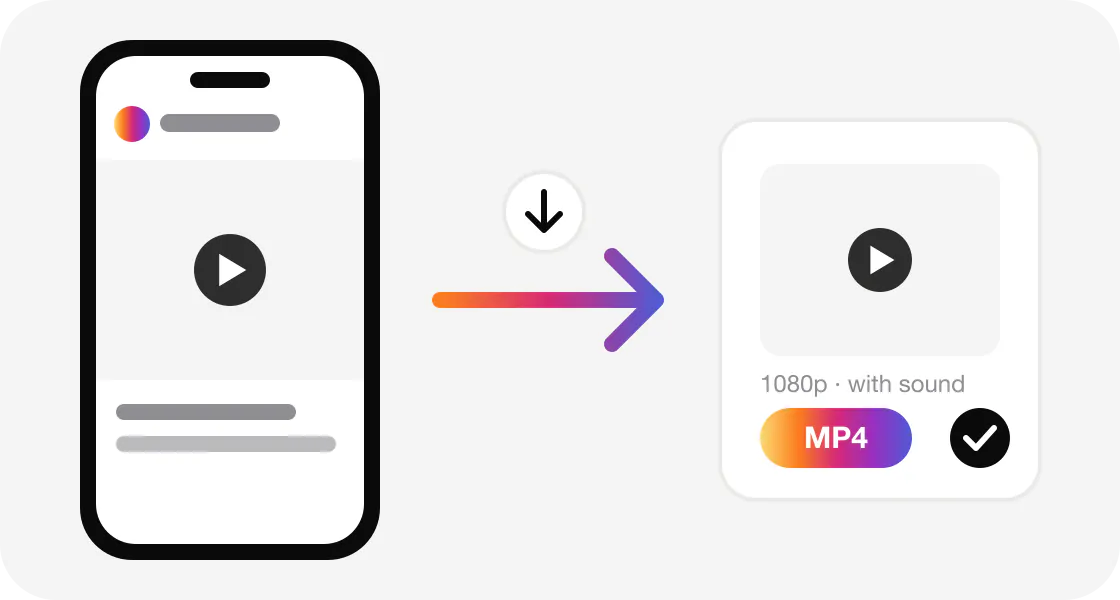
How to download Instagram Reels
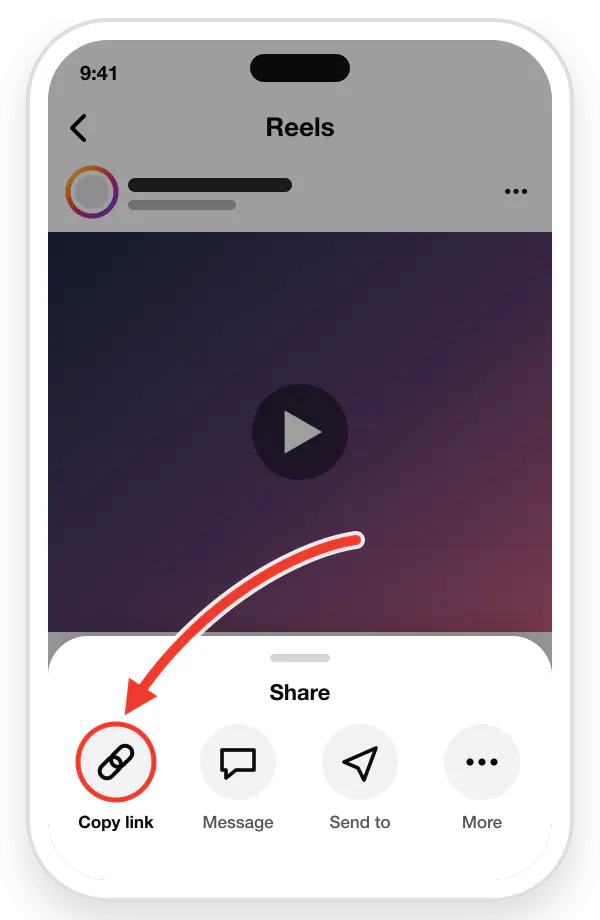
Copy the link
Open the video in Instagram, tap the Share arrow or the three dots (⋮), then tap "Copy link".
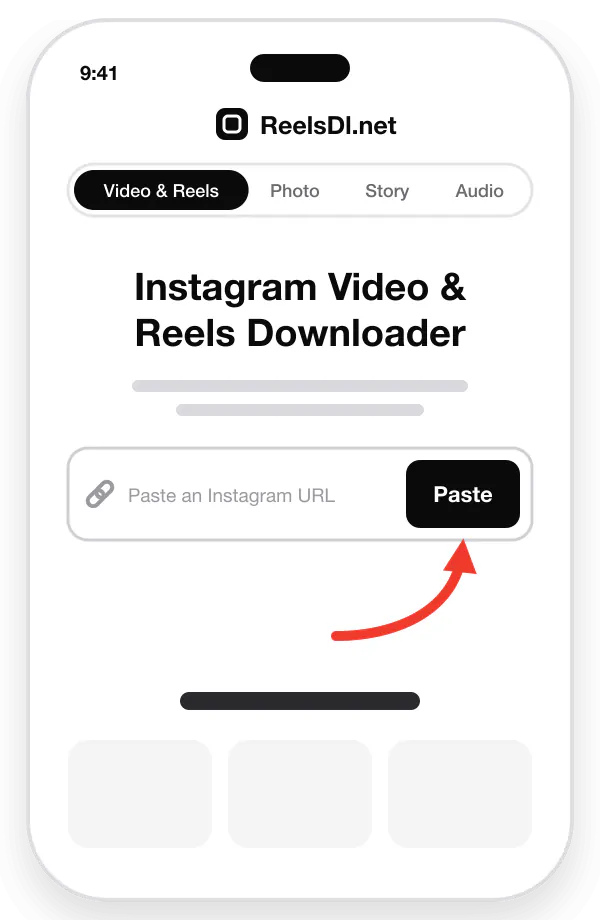
Paste the URL
Come back here and paste the link into the box above, or tap the Paste button.
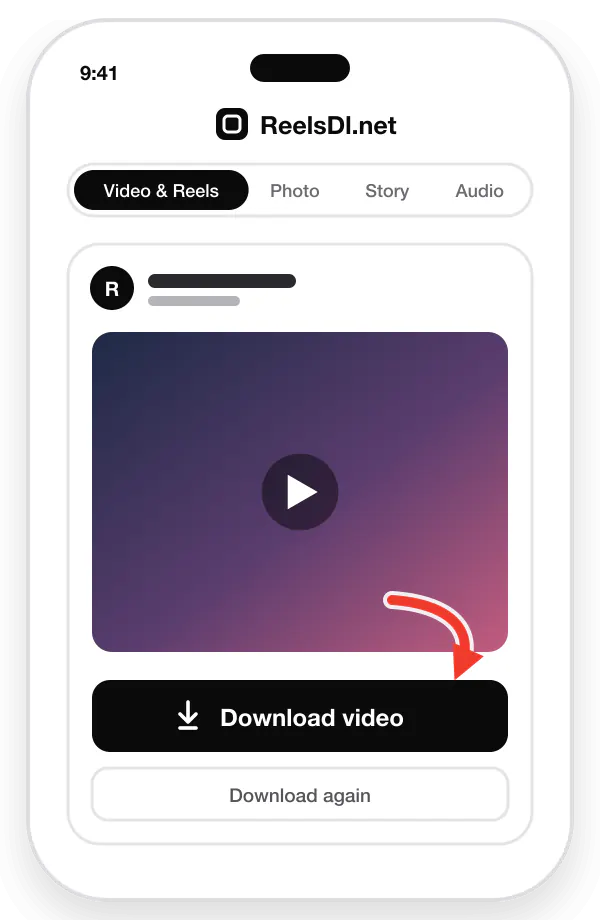
Download & save
Tap "Download video" to save the original-quality MP4, with sound, to your device.
What you get
Reels downloader features
HD Reels & videos
Save public Reels and Instagram videos as MP4, with no watermark.
Photos & carousels
Grab a single photo or a whole carousel in one paste.
MP3 from any Reel
Pull the soundtrack and keep it as an audio file.
Paste a link. Done.
Copy from Instagram, paste here, press Enter. That is the whole flow.
No login needed
Public posts only. We never ask for your Instagram account.
Phone, tablet, desktop
Works in the browser — or install the WebApp for one-tap access.
Download Instagram Reels in HD with music
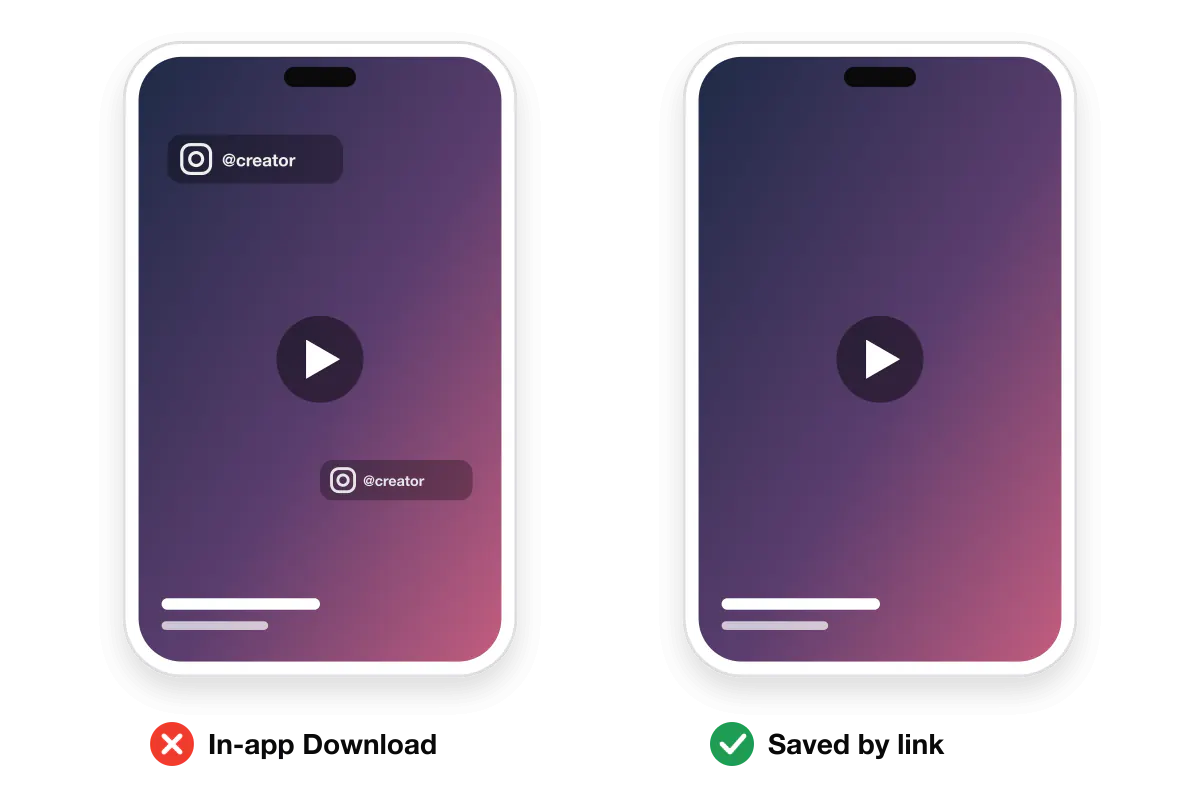
As a Reels downloader, ReelsDl.net gives you the actual Reel file. Paste a Reel link and you get the video Instagram streams in the app, with its original audio track and without the logo overlay that Instagram's own Download button stamps on top.
Reels keep their vertical 9:16 frame, their sound, and their timing exactly as the creator posted them. Nothing is re-encoded, so the file is as sharp as the Reel you watched.
| Resolution | The best rendition Instagram stores, usually 1080 × 1920. If a Reel looks blurry here, it was uploaded blurry. |
|---|---|
| Music & voice | Kept in the MP4. Want only the song? Use the Reel to MP3 converter. |
| Watermark | None added. Instagram only adds its logo when you use the in-app Download button. Why that happens. |
| Length | Short clips and long Reels both work. Longer ones take a few seconds more. |
Instagram Video Downloader
Not every Instagram video is a Reel. The Instagram video downloader also saves ordinary video posts and the video clips inside carousels. Paste the post link and each video is listed as an MP4 with its own download button.
Videos are saved in the quality Instagram serves, with their sound and without an added watermark. Long videos work the same way as short Reels; they only take a little longer to load.
| Reels downloader | Links that contain /reel/ or /reels/. Vertical short videos, saved as MP4. |
|---|---|
| Video post downloader | Links that contain /p/. Feed videos and video slides in carousels, saved as MP4. |
| Audio only | Use the Reel audio downloader to keep the sound as MP3. |
What can you download?
Every tool takes a public Instagram link and works in the browser on iPhone, Android, Windows, and Mac. Pick the one for the format you want.
Instagram Photo & Carousel Downloader
Save full-resolution JPG photos instead of screenshots, and every slide of a carousel post from one link.
Instagram Story & Highlights Downloader
Keep public Stories before they expire after 24 hours, and save whole Highlight albums as video or photo.
Instagram Audio Downloader (MP3)
Convert a Reel or video to MP3, or paste an Instagram audio link to keep only the song, music, or voice.
Only public posts and accounts are supported. Private, Close Friends, and deleted content stays protected by Instagram.
How to download on iPhone, Android, and PC
| iPhone & iPad | Copy the link in Instagram, open Safari, paste it here, and tap Download. Safari saves the MP4 to Files → Downloads. Open it, tap Share, and choose Save Video to move it to Photos. |
|---|---|
| Android | Copy the link, open Chrome or any browser, paste it here, and tap Download. The video lands in the Download folder and shows up in Gallery or Google Photos. |
| Windows, Mac & Linux | Copy the address from instagram.com in your browser, paste it here, and click Download. The MP4 is saved to your browser's Downloads folder. |
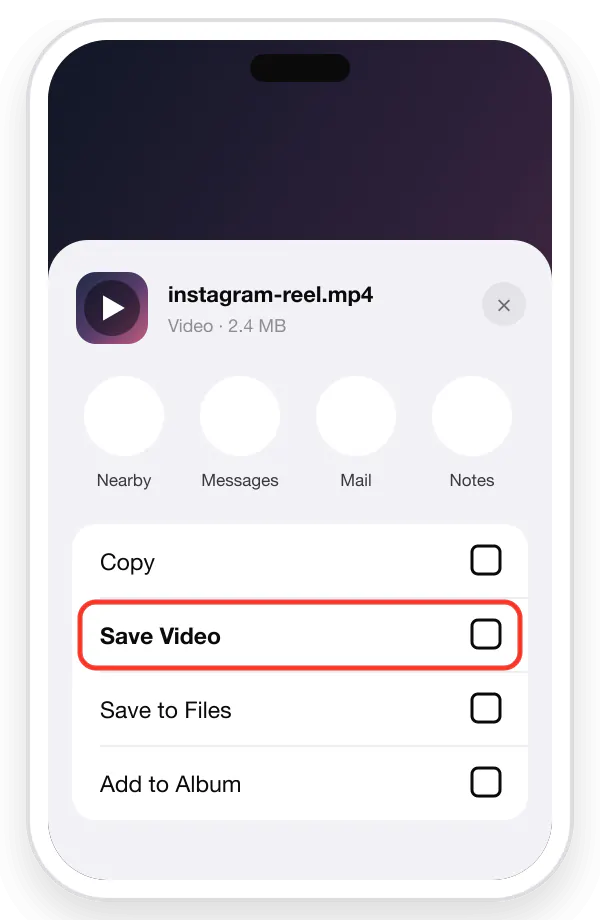
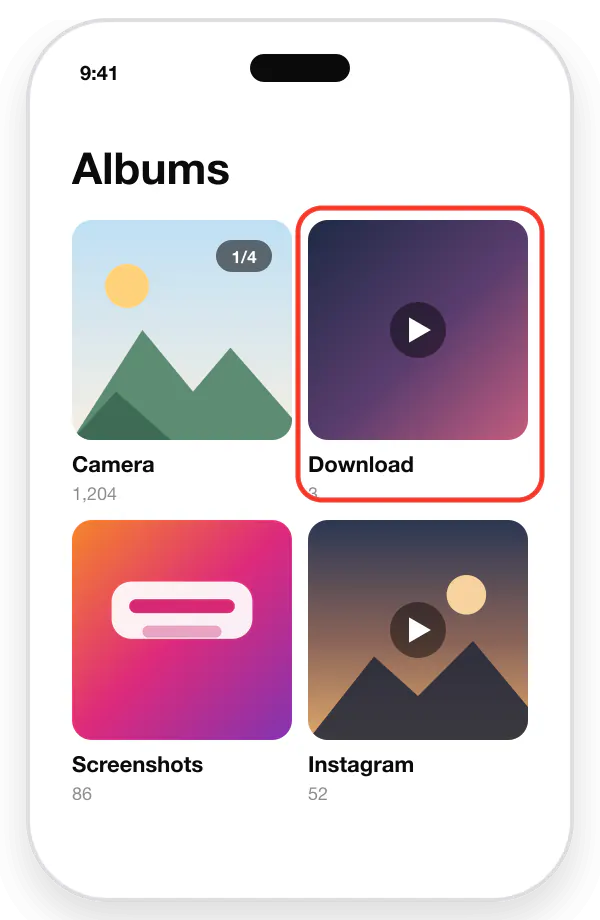
Illustrated steps for each device are in the complete download guide.
Why use ReelsDl.net
ReelsDl.net is a fast way to save Instagram videos — Reels, photos, videos, and Stories — in one place.
- Fast. Download Reels as fast as the link allows.
- No watermark. Save Instagram Reels without a watermark.
- By link. Instagram Reels download by link, nothing to install.
- No login. Your Instagram account is never needed.
- Anonymous. Download Reels, videos, and Stories anonymously.
- Free. No sign-up and no paid plan.
Once the video is saved, a lot of people still rewrite the caption or bio before they post again. A cursive text generator turns ordinary typing into script you can paste into Instagram.
From the blog
Instagram download guides
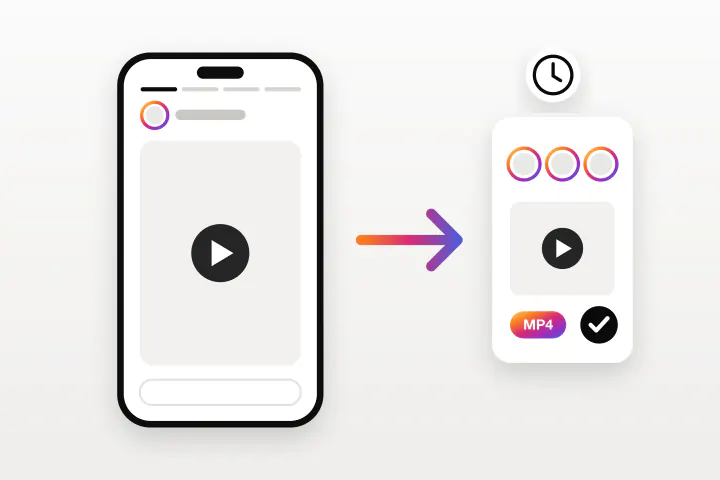
How to Download Instagram Stories Anonymously
Stories disappear after 24 hours and Instagram only lets you save your own. This is how to keep a public Story or a whole Highlight, without appearing in the viewer list.
Read guide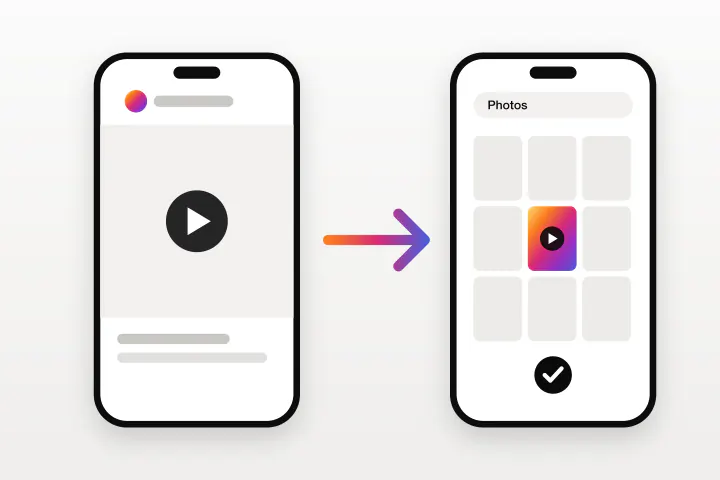
How to Download Instagram Videos on iPhone
Instagram only lets you download some Reels, with a watermark on top. This is how to save any public Instagram video straight to the iPhone camera roll using Safari.
Read guide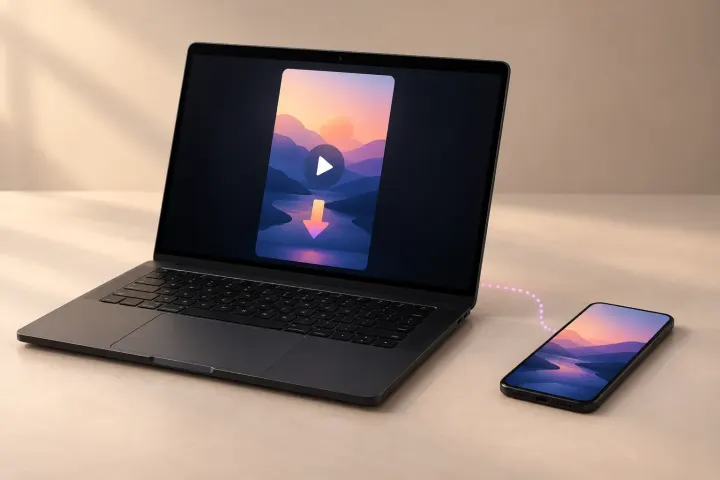
How to Download Instagram Reels on a Laptop, PC, or Mac
Instagram's website has no Download button at all. This is how to save a Reel, with its music, on Windows, Mac, or a Chromebook using nothing but a browser.
Read guide
How to Download Instagram Reels Without a Watermark
Instagram stamps its logo and the creator's username on every Reel you save in the app. These are the ways to get a clean copy, and what each one costs you in quality.
Read guide
How to Extract Audio From an Instagram Reel as MP3
Instagram lets you save a Reel's audio inside the app, but never as a file. This is how to pull the sound out as an MP3 and use it as a ringtone or alarm.
Read guide
Instagram Reels Not Saving to Your Camera Roll? 9 Fixes
The Download option is missing, the Reel saves with no sound, or the file never reaches your gallery. Nine causes, each with the fix that actually works.
Read guide