100% freeNo loginNo watermark
Instagram Photo Downloader
Save Instagram photos in full resolution and every slide of a carousel post from one link. Free, no login.
Full-size Instagram photos, not screenshots
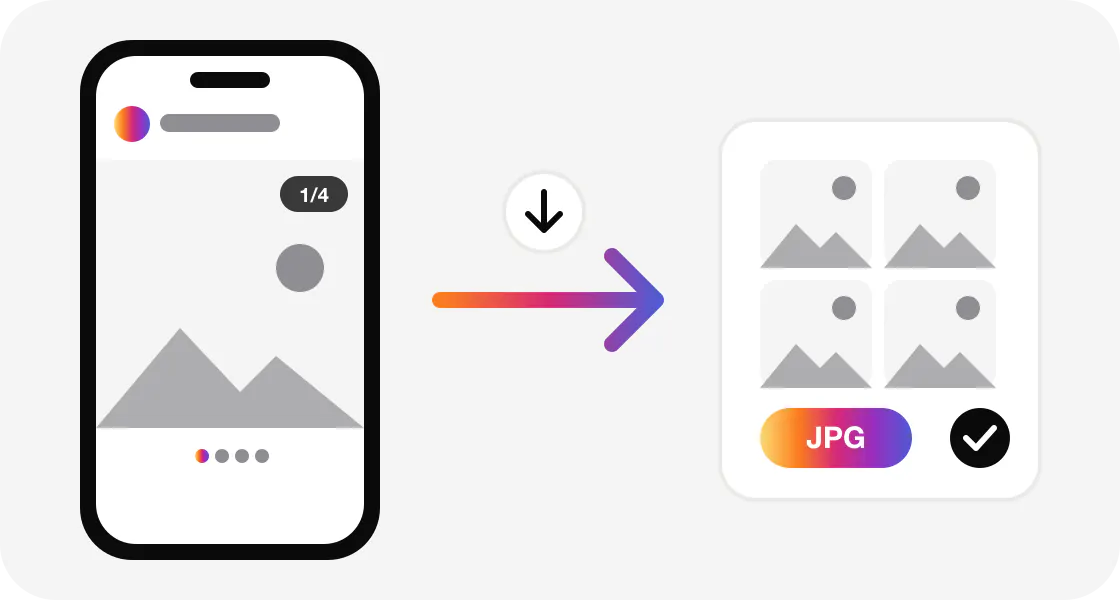
A screenshot crops the photo, adds your status bar, and drops the resolution to your screen size. The Instagram photo downloader saves the actual image file Instagram stores, usually up to 1080 pixels wide, as a JPG with its real colors and no interface around it.
Paste the link of a public photo post and it is ready to save in a second. Paste a carousel link and every slide is listed with its own download button as a JPG. Paste a Reel or video link and you get its cover image (thumbnail) as a JPG; to save the video itself, use the Instagram Reels downloader.
How to download Instagram photos
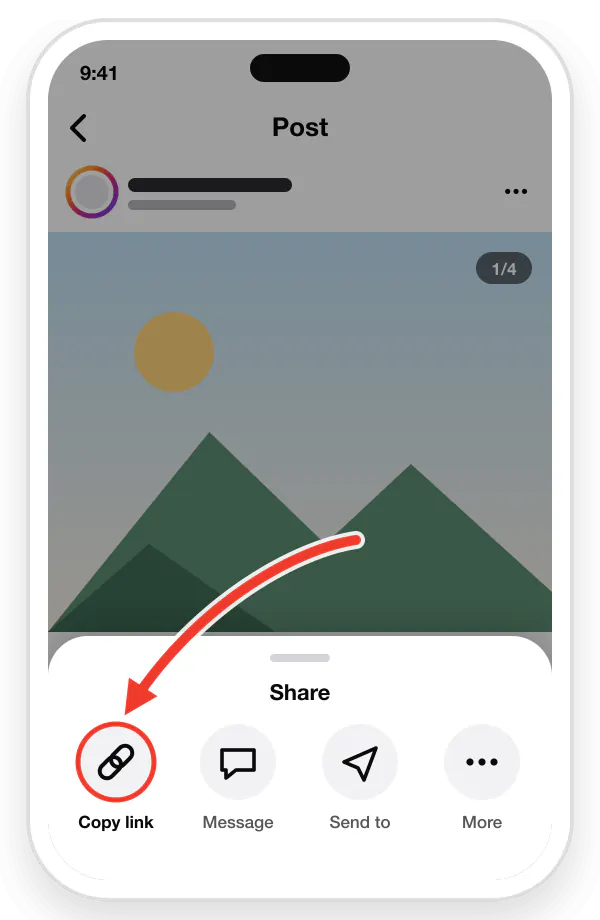
Copy the post link
In Instagram, tap the three dots (⋮) on the photo or carousel, then tap "Copy Link".
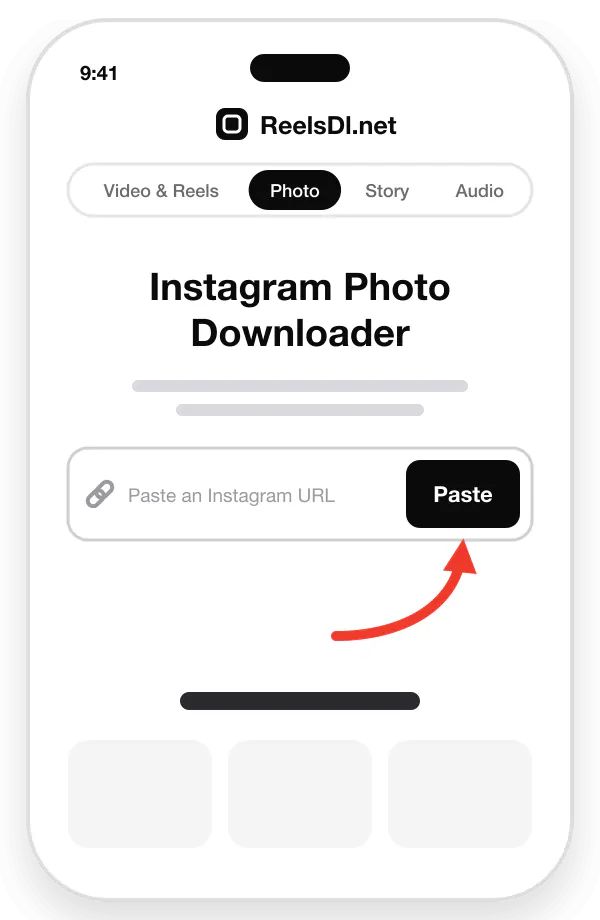
Paste the link
Paste the copied link into the box above, or tap the Paste icon.
Then press Enter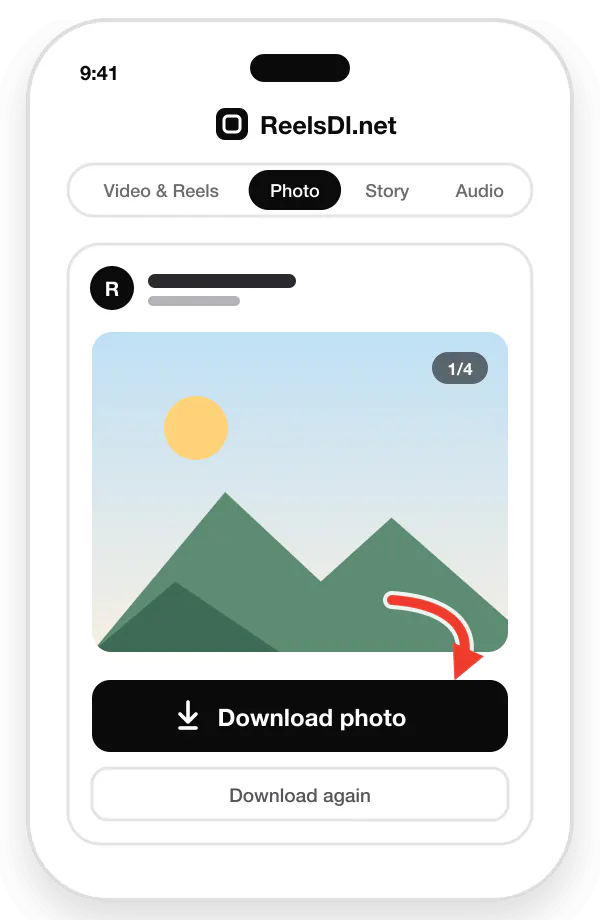
Download the photos
Every photo and slide is listed. Click "Download Photo" on the ones you want to save them as JPG.
Instagram carousel downloader
A carousel can hold up to 20 photos and videos. You do not need a separate link for each slide: one post link brings up all of them in order, so you can save just the slide you want or the whole set.
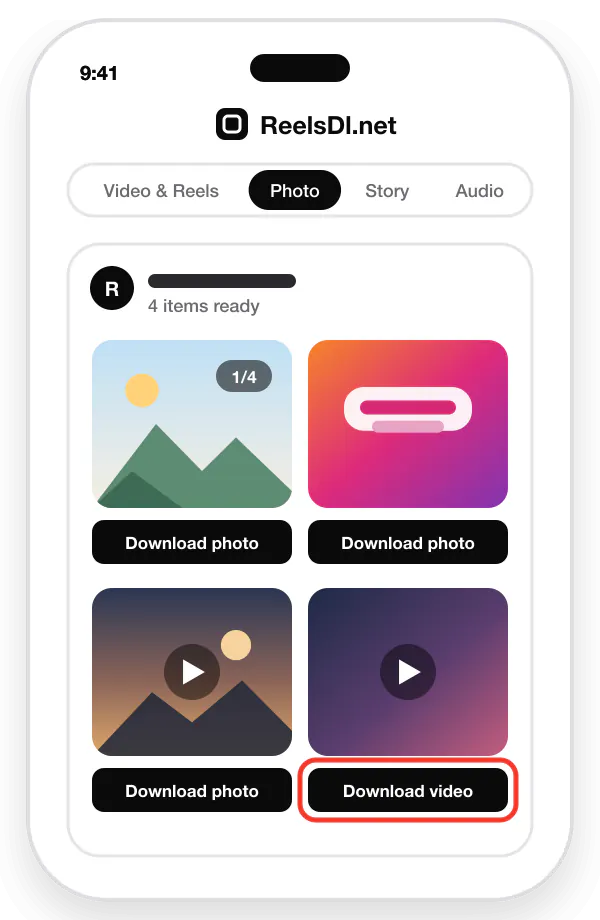
| Single photo post | Saved as one JPG in the size Instagram stores. |
|---|---|
| Photo carousel | Every slide listed separately, each with its own Download button. |
| Mixed carousel | Photos save as JPG, and each video slide saves as its cover image. |
| Reel or video | Saves the thumbnail as a JPG. For the MP4, use the Reels downloader. |
| Profile picture | Not supported yet. Only post photos can be saved. |
More tips, including how to keep the original colors on iPhone, are in how to save Instagram photos without a screenshot.
How to download on iPhone, Android, and PC
| iPhone & iPad | Copy the link in Instagram, open Safari, paste it here, and tap Download. Safari saves the JPG to Files → Downloads. Open it, tap Share, and choose Save Image to move it to Photos. |
|---|---|
| Android | Copy the link, open Chrome or any browser, paste it here, and tap Download. The photo lands in the Download folder and shows up in Gallery or Google Photos. |
| Windows, Mac & Linux | Copy the address from instagram.com in your browser, paste it here, and click Download. The JPG is saved to your browser's Downloads folder. |
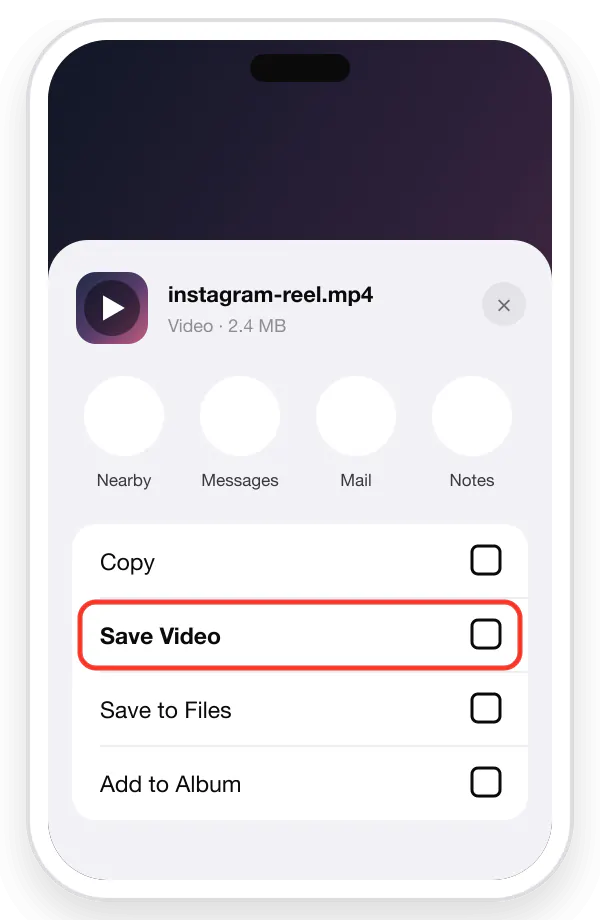
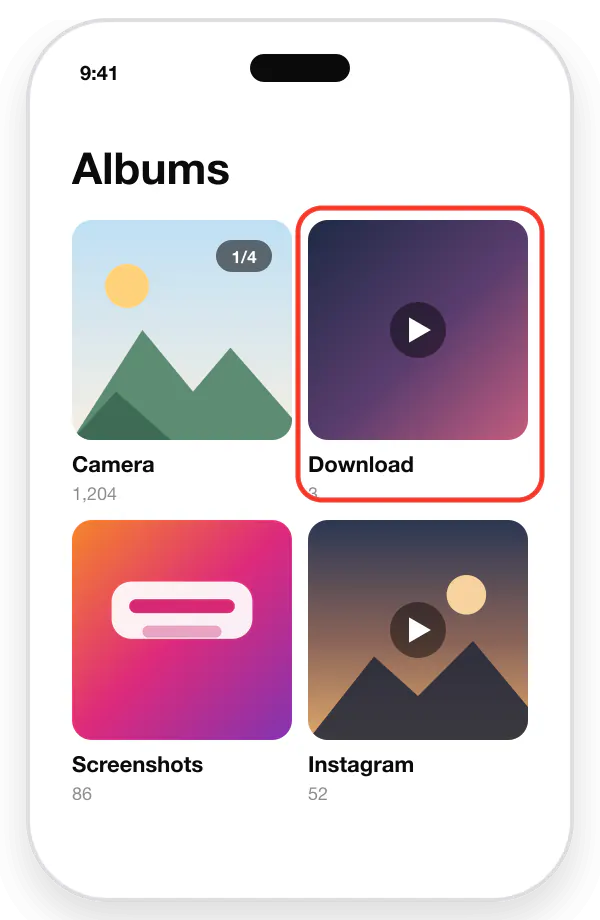
Illustrated steps for each device are in the complete download guide.
More Instagram downloaders
Every tool takes a public Instagram link and works in the browser on iPhone, Android, Windows, and Mac. Pick the one for the format you want.
Instagram Reels & Video Downloader
Save any public Instagram video or Reel as an HD MP4 with its original sound and music, and no watermark.
Instagram Story & Highlights Downloader
Keep public Stories before they expire after 24 hours, and save whole Highlight albums as video or photo.
Instagram Audio Downloader (MP3)
Convert a Reel or video to MP3, or paste an Instagram audio link to keep only the song, music, or voice.
Only public posts and accounts are supported. Private, Close Friends, and deleted content stays protected by Instagram.
From the blog
Instagram download guides
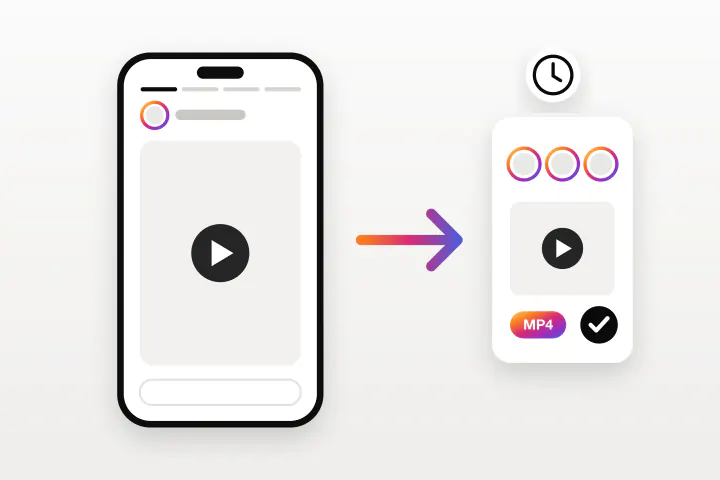
How to Download Instagram Stories Anonymously
Stories disappear after 24 hours and Instagram only lets you save your own. This is how to keep a public Story or a whole Highlight, without appearing in the viewer list.
Read guide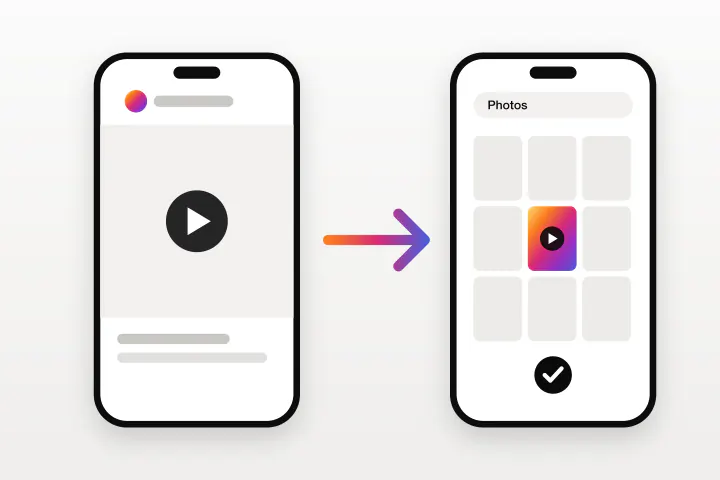
How to Download Instagram Videos on iPhone
Instagram only lets you download some Reels, with a watermark on top. This is how to save any public Instagram video straight to the iPhone camera roll using Safari.
Read guide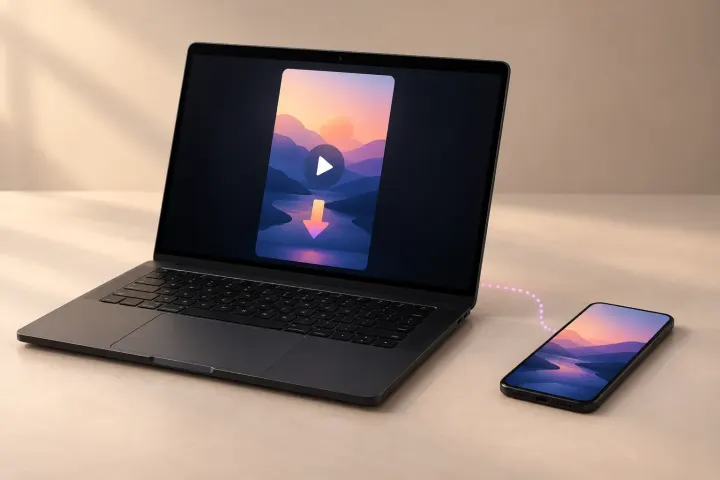
How to Download Instagram Reels on a Laptop, PC, or Mac
Instagram's website has no Download button at all. This is how to save a Reel, with its music, on Windows, Mac, or a Chromebook using nothing but a browser.
Read guide
How to Download Instagram Reels Without a Watermark
Instagram stamps its logo and the creator's username on every Reel you save in the app. These are the ways to get a clean copy, and what each one costs you in quality.
Read guide
How to Extract Audio From an Instagram Reel as MP3
Instagram lets you save a Reel's audio inside the app, but never as a file. This is how to pull the sound out as an MP3 and use it as a ringtone or alarm.
Read guide
Instagram Reels Not Saving to Your Camera Roll? 9 Fixes
The Download option is missing, the Reel saves with no sound, or the file never reaches your gallery. Nine causes, each with the fix that actually works.
Read guide
Frequently asked questions
How do I download a photo from Instagram?
Copy the post link in Instagram, paste it into the ReelsDl.net photo downloader, and tap Download Photo. The image is saved as a JPG in full resolution.
Can I download all photos from a carousel at once?
One link lists every slide of the carousel. Each slide has its own Download button, so you can save the ones you want or all of them. Video slides are saved as their cover image.
Can I download the thumbnail of an Instagram Reel?
Yes. Paste a Reel or video link into the photo downloader and it returns only the cover image, saved as a JPG. To download the video itself, use the Instagram Reels downloader on the home page.
What resolution are downloaded Instagram photos?
The same size Instagram stores, which is up to 1080 pixels wide. That is sharper than a screenshot on most phones, and the image has no app interface around it.
Where do downloaded photos go on iPhone?
Safari saves them to Files, Downloads. Open the photo, tap Share, and choose Save Image to move it to the Photos app. On Android, photos go to the Download folder and appear in Gallery.
Can I download photos from a private Instagram account?
No. Only public posts can be downloaded. Private accounts are visible only to their approved followers.